







.png)
Mason Johnson
April 7, 2026
What’s New in March 2026
From content creation to campaign execution.
Most marketing teams don’t have a content problem. They have an execution problem.
Content gets created faster than ever, but it still struggles to get approved, placed in the right systems, and shipped. Work slows down in handoffs, breaks across tools, and gets stuck between “done” and “live.” That gap is where speed is lost and where scale falls apart.
This month’s Jasper release is built to close that gap. We focused on connecting content creation directly to execution, keeping it continuously aligned with your source of truth, and making it easier to scale what works across teams.
The result is simple. Content moves faster, stays consistent, and actually makes it to market.
Move from content creation to campaign execution without the handoffs

The biggest breakdown in marketing is not creating content. It is getting that content into the right systems, approved, and aligned with the latest information. This month, Jasper connects both sides of that problem. Content now moves directly into more execution systems, while staying continuously synced with your source of truth. That means fewer handoffs, fewer outdated outputs, and far less time spent fixing content after it is generated.
- Send finished content directly into Adobe Workfront. Export assets from Jasper into the exact project and folder where approvals happen. Content moves straight into your execution workflow without manual steps, reducing delays between drafting and review.
- Keep your system of record intact while speeding it up. Adobe Workfront remains your hub for governance, approvals, and tracking. Jasper simply feeds it high-quality content without forcing your team to change how they operate.
- Sync your IQ directly from Google Drive. Connect folders to Jasper so your latest messaging, positioning, and strategy are always reflected in outputs. Changes to documents automatically flow into Jasper without manual updates
- Move content seamlessly into Google Drive. Export content directly into shared folders so teams can immediately collaborate, distribute, and activate assets without moving files between tools.
Bring purpose-built marketing Agents directly into your stack
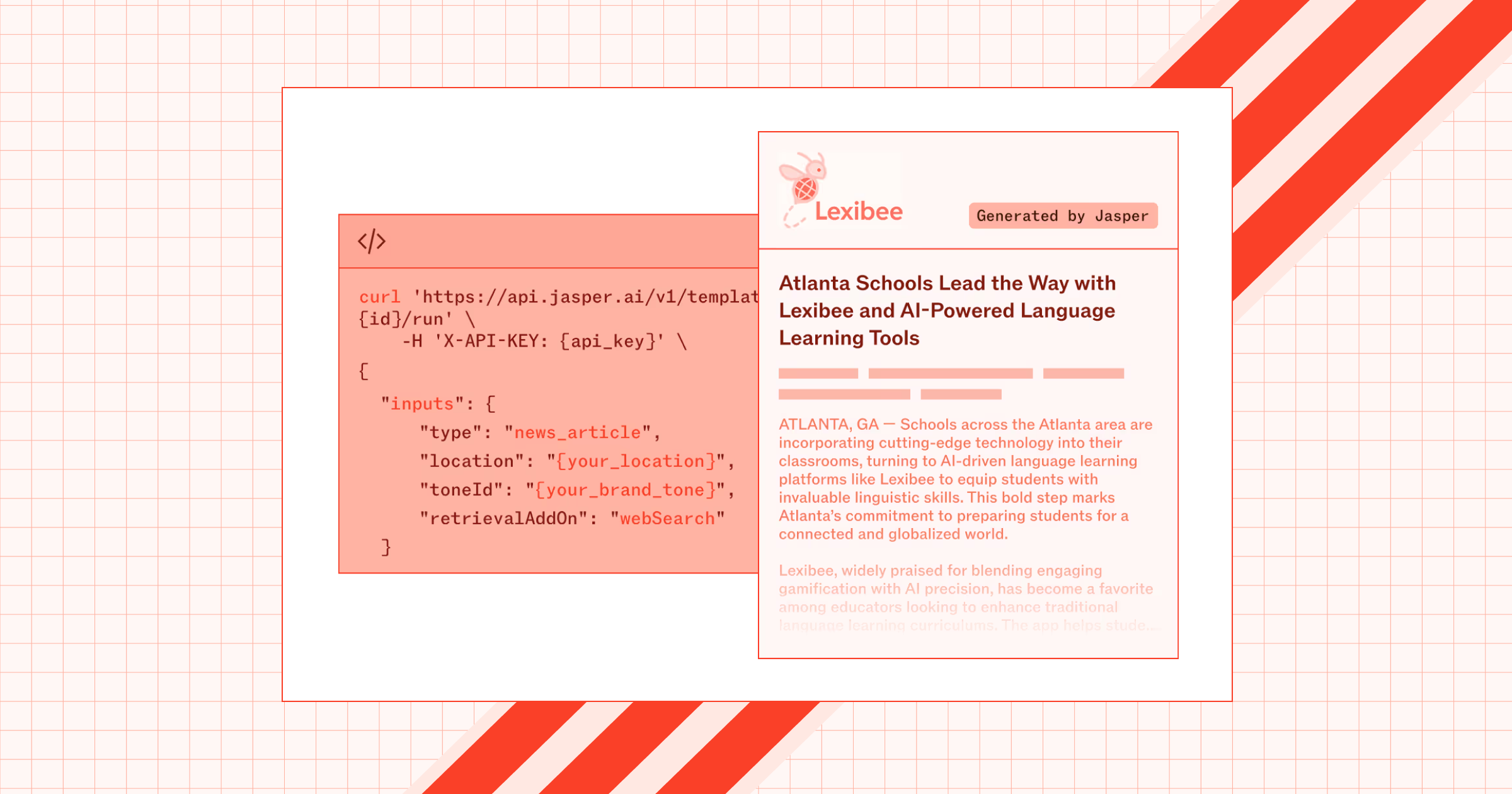
As AI becomes more central to marketing operations, teams need it to extend beyond a single interface and into the systems where work actually happens. This month, Jasper becomes more than a destination. It becomes an execution layer you can embed into your own tools, workflows, and systems. That means you can bring Jasper’s purpose built marketing agents and brand intelligence directly into the environments your team already uses.
- Run Jasper’s purpose built marketing agents via API. Use new task endpoints to discover and execute agents programmatically. This allows you to embed workflows like content generation, transformation, and analysis directly into your internal tools and automate repeatable marketing work at scale.
- Extend Jasper into your ecosystem with MCP support. Use Jasper’s External MCP Server to discover and run Jasper agents across compatible systems, making it easier to integrate AI into your broader stack without rebuilding workflows from scratch.
- Bring custom Agents into your workflows. Run prebuilt agents or your own Studio agents through the API, giving you flexibility to standardize common workflows while supporting custom use cases across your organization.
- Embed Jasper IQ alongside your workflows, not separate from them. When you run agents through API or MCP, they still leverage your Brand Voice, Audiences, Style Guides, and Knowledge. This ensures outputs stay aligned even when Jasper is not the interface being used.
- Improve how teams build and manage Agents in Studio. Enhancements to input handling, testing, and agent configuration make it easier to create and maintain reliable internal tools that use Jasper under the hood.
Scale execution with repeatable workflows instead of one-off work
Most teams already know what works. The problem is they can't scale it. Workflows live in scattered prompts, one off setups, or individual knowledge. So every new campaign starts from scratch. This month, enhancements to Jasper Grid make execution repeatable. It turns your best workflows into systems you can reuse, adapt, and scale across teams, regions, and campaigns.
- Turn your best workflows into reusable Grid templates: Save complete Grid setups including structure, prompts, inputs, and sample data. Teams can start from a proven system instead of rebuilding every time, which speeds up campaign launch and improves consistency from the start.
- Standardize how work gets done across teams and regions: Share templates across your workspace so different teams are not interpreting strategy differently. Everyone works from the same foundation, which keeps output aligned even as more people contribute.
- Build more flexible workflows with drag and drop and structured inputs: Move columns easily, organize your workflow visually, and structure inputs in a way that matches how your team actually works. This makes workflows easier to build, adapt, and maintain over time.
- Bring brand intelligence directly into execution with IQ inputs: Add Brand Voice, Audiences, and Style Guides as input columns in Grid and reference them directly in prompts and agents. This ensures every output is grounded in your brand without requiring manual checks.
- Enrich outputs with real time context from web and knowledge search: Use web search and knowledge search inside Grid agents to pull in the latest information and context, making outputs more relevant and complete.
- Scale without rebuilding using duplication across IQ assets: Duplicate Brand Voices, Audiences, and Style Guides instantly so you can expand workflows across regions, products, or use cases without recreating complex setups.
Everything else: Making execution more reliable as you scale
As your workflows scale across more teams and assets, the details matter. Managing content, maintaining consistency, and understanding what is happening across the workspace becomes just as important as generating content. This month’s improvements focus on making Jasper easier to operate day to day so teams can scale without adding friction or risk.
- Improve consistency across Brand Voice, Audiences, and Style Guides: System wide IQ improvements make outputs more accurate and reliable, reducing off brand content and minimizing editing time before assets are ready to use.
- Adapt Jasper to how you work with Personal Instructions: Set persistent user level guidance so Jasper reflects your preferred tone, format, and assumptions without repeating instructions in every prompt.
- Work within complex file systems without friction: Navigate nested folders in integrations like Google Drive and SharePoint so content lands exactly where it belongs.
- Make integrations easier to understand and adopt: A clearer integrations experience shows what is available, what is enabled, and what requires admin access, reducing confusion and speeding up onboarding.
- Improve output quality with more reliable research and style controls: Research Agents produce more accurate outputs with working sources and deeper analysis, while Style Guide improvements make rules easier to understand and apply.
- Get clearer visibility into usage and impact: Updated reporting provides more accurate metrics, better exports, and clearer insight into how Jasper is being used across your organization.
- Keep your source of truth organized as your team grows: Visibility controls across Brand Voice, Audiences, Style Guides, and Knowledge make it easier to manage what is official, personal, and shared.
Explore the March release
The shift to AI powered marketing is not about producing more content. It is about building systems that move content from idea to execution reliably.
This month’s updates help you close that gap. Content moves into workflows faster, stays aligned with your source of truth, and scales without breaking.
Jump into Jasper to start using these updates, and explore the Community for detailed guidance on how to put them into practice.

More of the latest & greatest
.png)
How Agencies Can Build AI Search Visibility Reports for Clients
A practical framework for building AI search reports that show clients where their brands appear, how visibility is changing, and where to act next.
September 30, 2026
|
Megan Dubin

How to Measure AI Brand Sentiment Across AI Search Models
A practical framework for measuring AI brand sentiment across models like ChatGPT, Perplexity, Claude, and Gemini and consistently tracking sentiment over time.
September 28, 2026
|
Esther Chung

AI Search Attribution: What GA4 Can & Can't Track
AI search doesn’t always pass a clean referral signal. Here’s how to use GA4 alongside impressions and citation share to get a meaningful view of performance.
September 25, 2026
|
Kurt Lambert