Platform
Platform Overview
From advanced language models to context-aware intelligence and intuitive agents, Jasper’s rich product experience is designed to meet marketers where they work—so they can customize AI for how they work.
Content Pipelines
Content Pipelines
New
Connect data, creativity, and distribution in one intelligent system that automates the entire content lifecycle.




Image Suite
Image Suite
Proprietary vision models that allow for pixel-perfect, on-brand images at scale
Jasper IQ
Marketing IQ
Configurable context on all things Marketing – from audience insights to conversion best practices.
Knowledge Base
A digital repository of data and assets that provide even deeper context.
Trust Foundation
Trust Foundation
Our LLM-optimized infrastructure with built-in security, governance, and compliance.
Solutions
All Solutions
Build AI Apps, Workflows, & Agents that augment and automate marketing workflows.

Optimize for SEO, AEO & GEO
Jasper makes it easier — and faster — to create content that ranks, drives traffic, and strengthens authority.

Optimize for Personalization
Empower your team to target specific accounts, contacts, leads, and opportunities, rather than broad audiences.

Optimize for Campaigns
Transform briefs, insights, and channel requirements into on-brand campaign content across every market and format.
Solutions by Role
Product Marketing
Align and refine your GTM strategy.
Launch faster with messaging that hits.
Field & Events Marketing
Maximize event attendance and create meaningful experiences.
Content Marketing
Plan, create, and scale with ease.
Elevate quality and performance.
Performance Marketing
Drive engagement and growth
with personalization at scale.
PR & Communications
Move fast without losing control.
Craft clear, aligned messaging.
Solutions by Industry
eCommerce & Retail
Turn browsers into buyers—faster.
Automate content across the funnel.
Media & Publishing
Feed every channel with fresh content.
Maintain multiple voices at scale.
Resources
All Resources
Find tips, advice, and practical use cases to advance your AI marketing strategy.
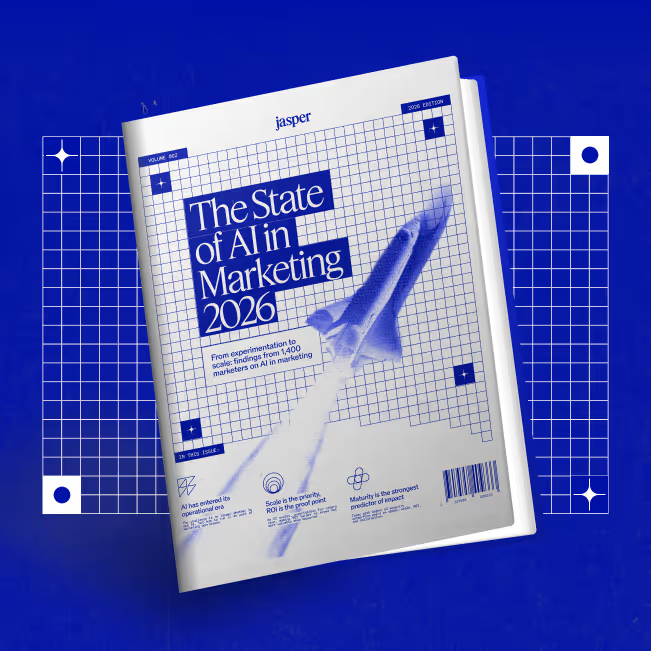
The State of AI in Marketing 2026
AI is everywhere, but scaling it is the real challenge. See the findings from 1,400 marketers.
Discover
Discover
Unlock the full potential of Jasper through stories, tools, and expert guidance built for marketers.
Blog
Get tips, trends, and insights on all things AI and marketing—straight from the Jasper team.
Customer Stories
Learn how marketing teams are using Jasper to move faster, stay on-brand, and scale their impact.
Webinars & Events
Join live sessions and events to learn, build, and connect with fellow marketers empowered by Jasper.
Learn
Learn
Level up your skills with guides, tools, and trainings designed to help you get more from Jasper.
Courses
Take self-paced courses that teach you how to master Jasper and elevate your marketing game.
The Jasper Community
Join a community of marketers empowering each other to create smarter and faster with Jasper.
Jasper Foundations
Learn how to get the most out of Jasper with courses that help you supercharge your marketing team.
Get Support
Get Support
Everything you need to get the most out of Jasper—fast help, expert guidance, and trusted resources.
Contact & Support
We’ve got your back. Reach out anytime and our team will be happy to help.
FAQ & Help Center
Find quick answers, how-tos, and helpful tips to get the most out of Jasper.
Customer Success
Partner with our team to reach your goals and make the most of Jasper.
Company
Pricing
Start a free trial
Get a Demo